NSFAS Status Check Online 2026 – Track your Application
Every day, when I assist students across South Africa with their NSFAS applications, I hear the same concerns: NSFAS status check results, application progress, funding eligibility, missing documents, verification delays, and payment updates. As an advisor with extensive experience helping students navigate the National Student Financial Aid Scheme (NSFAS) process, I have seen how small mistakes in submitted documents, personal details, or application information can delay funding decisions and cause unnecessary stress. That is why I have created this complete guide to help you understand every step of the NSFAS status check process clearly and confidently.
This guide is designed to provide more than basic information. It offers practical advice based on real experiences assisting students with NSFAS applications and funding issues. Whether you need to check your NSFAS application status, understand what each application status means, track funding progress, resolve verification problems, or find out why your application is delayed, you’ll find the answers here. My goal is to guide you step-by-step, just as I do with the students I support every day, so you can quickly understand your status and take the right action to secure your education funding.
What Is NSFAS and Why Does It Matter?
The National Student Financial Aid Scheme (NSFAS) helps eligible South African students who cannot afford the cost of higher education by covering expenses such as tuition fees, accommodation, transport, and learning materials. For many students, NSFAS is more than just financial assistance it provides the opportunity to pursue higher education and build a better future.
From my experience assisting students with NSFAS applications, I always recommend checking your NSFAS status regularly. It keeps you informed about your application’s progress and lets you know whether your application has been approved, is still under review, or requires additional documents or information. A quick status check only takes a few minutes but can help you avoid unnecessary delays and ensure you respond promptly if NSFAS requests further action.
How to Check NSFAS Status in 2026
NSFAS gives you a few different ways to check your application status. You can use your myNSFAS account, ID number, reference number, WhatsApp, or even SMS/USSD. All of these methods will show you the latest update on your application.
I have explained each method below step by step. I personally recommend using the myNSFAS portal because it is the fastest and easiest way to check your NSFAS status and see if any action is needed from your side.
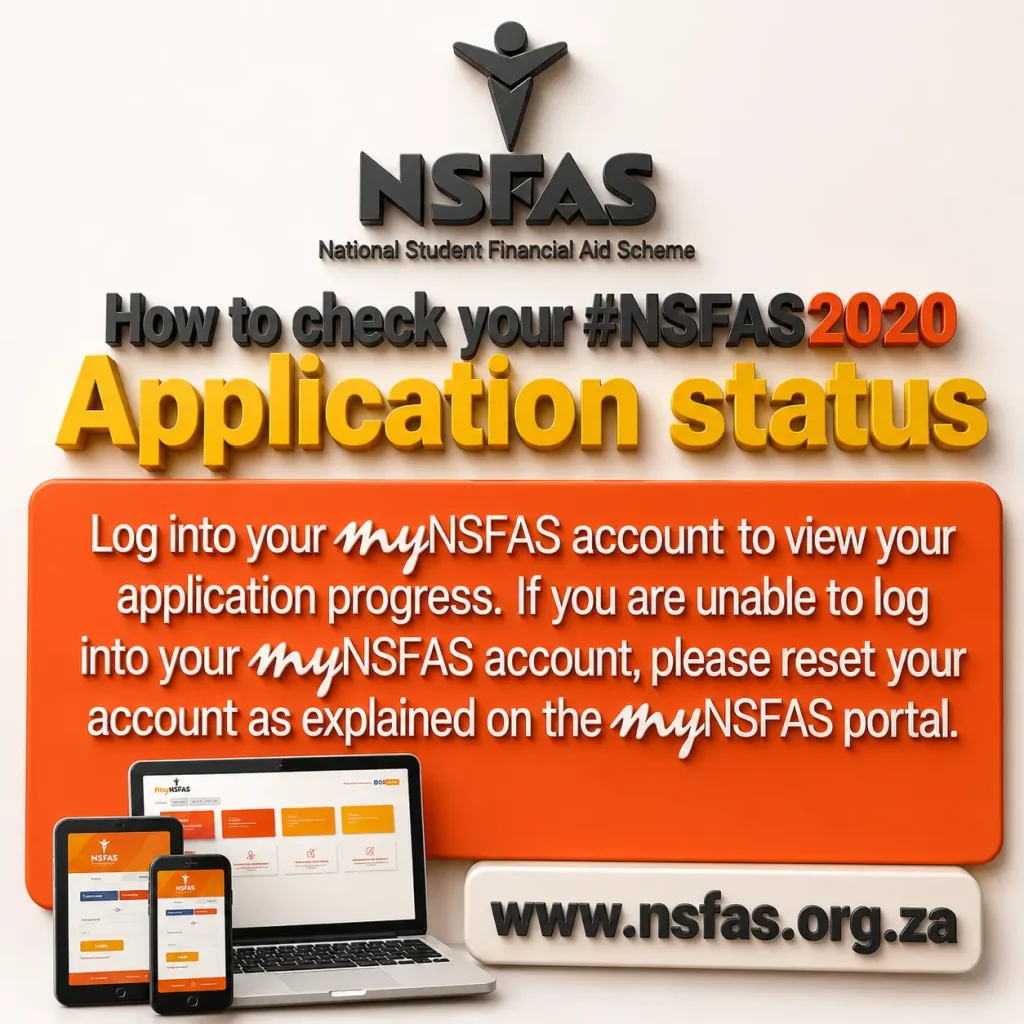
What Does Each NSFAS Status Mean?
When you check your NSFAS status, you may see different messages. If you’re not sure what they mean, don’t worry. Below, I have explained each NSFAS status in simple words so you can easily understand what is happening with your application.
- Application Submitted: NSFAS has received your application.
- Filtering: They are doing the first basic checks on your application.
- Validation: They are checking your personal details with government records.
- Evaluation: They are reviewing your documents and checking if you meet the funding requirements.
- Funding Eligibility: You have passed the financial check. Now NSFAS will check your academic information.
- Awaiting Academic Results / Admission: NSFAS is waiting for your university or TVET college to confirm your admission or academic results.
- Awaiting Registration: Your institution still needs to send your registration details to NSFAS.
- Approved: Congratulations! Your application has been approved, and your funding and allowances will be processed.
- Rejected: Your application was not approved. If you believe there was a mistake, you can submit an appeal.
- Appeal in Progress: NSFAS has received your appeal and is reviewing it. You just need to wait for the final decision.
I hope these explanations make it easier for you to understand your NSFAS status. If you see one of these messages, you should now have a better idea of what it means and what to do next.
How to Register on the myNSFAS Portal
If you don’t have a myNSFAS account yet, don’t worry. You can create one in just a few minutes. I also recommend creating your own myNSFAS account because it makes it much easier to check your application status, upload documents, and manage your NSFAS application online.
Follow these steps:
- Go to the official https://www.nsfas.org.za/ website and click Register.
- Enter your South African ID number and personal details.
- Add your email address and mobile phone number.
- Create a strong password for your account.
- Upload the required documents.
- Verify your email address and phone number.
- Log in to your new myNSFAS account.
That’s all you need to do. Once you’re logged in, you can check your NSFAS status anytime, update your information, and keep track of your application without visiting an NSFAS office.
NSFAS Status Check Using ID Number
If you want to check your NSFAS status using your ID number, this is the method I recommend. I also use this method because it is simple, quick, and shows the latest update on your application.
Here is how you can do it:
- Open the myNSFAS login page.
- Enter your ID number and password.
- Click Sign In.
- Go to the Application Status section.
That’s it! You will be able to see the latest progress of your NSFAS application, whether it is still being processed, approved, or declined.
NSFAS Status Check Using Reference Number
If you can’t log in to your myNSFAS account or you’ve forgotten your password, you can also check your NSFAS status using your reference number. I personally recommend trying the myNSFAS account first because it gives you more details about your application. However, if you only have your reference number, this method also works well.
Just follow these steps:
- Go to the NSFAS portal.
- Click on Track Funding Progress.
- Enter your reference number.
- Click the check button to view your application status.
This method is quick, simple, and helpful when you don’t have access to your myNSFAS account.
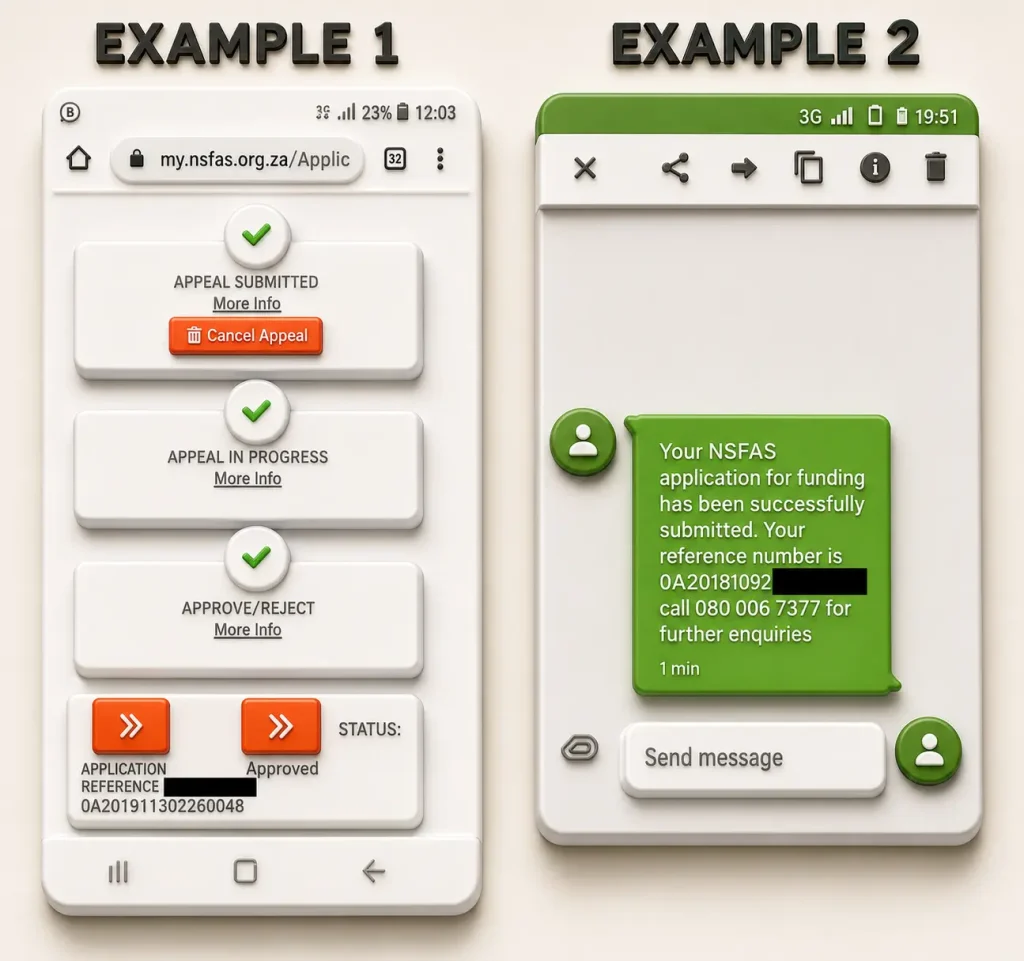
NSFAS Status Check via WhatsApp
You can also check your NSFAS application status through WhatsApp. Simply save the official NSFAS WhatsApp number 078 519 8006, send your South African ID number, and request a status update. This method is fast, convenient, and often provides a quicker response than email.
NSFAS Status Check via SMS (USSD)
If you don’t have internet or mobile data, you can still check your NSFAS application status using the USSD service. Just dial *120*67327#, enter your South African ID number, and follow the instructions on your screen.
I personally recommend using the myNSFAS portal if you have internet because it shows more details about your application. However, if you only need a quick status update or don’t have data, the USSD method is a great option. It works on both smartphones and basic mobile phones.
Troubleshooting Common NSFAS Status Problems
If your NSFAS status hasn’t changed for a while, don’t panic. This happens to many students every year. In most cases, it just means NSFAS is still processing your application.
From my experience, I recommend waiting a few days and checking your status again before contacting NSFAS. Sometimes your details are still being verified with Home Affairs or SARS, or NSFAS is reviewing your documents and household income. This process can take some time.
If you can’t log in to your myNSFAS account, try resetting your password first. You can also clear your browser cache or use a different browser, as this often fixes login issues.
If your status still hasn’t changed after a long time, I recommend contacting NSFAS through WhatsApp, email, or their call centre. They can check your application and let you know if they need any additional information.
Remember, a delayed status doesn’t always mean your application has a problem. In many cases, it simply means it is still being processed.
NSFAS 2026 Status Overview
| Status | Meaning | What You Should Do |
| Application Submitted | NSFAS received your application. | Wait for the next update. |
| Filtering | Initial eligibility checks are in progress. | No action required. |
| Validation | Your personal details are being verified. | Wait for verification to finish. |
| Evaluation | Your documents and financial information are under review. | Monitor your NSFAS account. |
| Funding Eligibility | You passed the financial assessment. | Wait for academic verification. |
| Awaiting Academic Results / Admission | NSFAS is waiting for your institution to submit your academic information. | No action unless your institution requests something. |
| Awaiting Registration | Your institution must confirm your registration. | Make sure you register on time. |
| Approved | Your NSFAS funding has been approved. | Wait for allowance payments. |
| Rejected | Your application was unsuccessful. | Submit an appeal if you qualify. |
| Appeal in Progress | Your appeal is currently being reviewed. | Wait for the final decision. |
University vs TVET
Many students ask me why some NSFAS applications are approved faster than others. The main reason is that universities and TVET colleges follow different application schedules.
University Students
University students usually apply once a year. Since NSFAS receives a large number of applications at the same time, it takes longer to review and process every application.
TVET Students
TVET college students normally apply every semester or trimester. Because the applications are received in smaller groups, NSFAS can process them much faster.
From my experience, you should not compare your application with someone else’s. A TVET student may get an update before a university student, even if both applied around the same time. So, I recommend checking your NSFAS status regularly and waiting for the official update instead of worrying if someone else’s application is processed first.
If you want to know which colleges are funded by NSFAS, you can read this article: List of TVET Colleges Funded by NSFAS.
How to Check Your NSFAS Wallet Balance or Allowances
Once your NSFAS funding is approved, activate your NSFAS Wallet as soon as possible to access your allowances. Log in to your NSFAS Wallet using your South African ID number and PIN, then open the Transactions section to check your available balance and view your recent allowance payments.
Before logging out, make sure your registered cellphone number is correct by dialing *134*176#. Keeping your number up to date is important because NSFAS sends one-time passwords (OTPs) and wallet notifications to that number. If you want to learn more about it, visit my NSFAS Wallet page.
Pro Tips to Stay Ahead
From my experience, I recommend checking your NSFAS status at least once or twice a week. This helps you see any new updates as soon as possible. Also, make sure your documents are clear, your email address and phone number are up to date, and keep your NSFAS reference number in a safe place. If NSFAS asks you to submit documents or gives you any instructions, try to respond as quickly as you can. These small things can save you a lot of time and help avoid delays.
What Should You Do Now?
If your application is still pending, don’t worry. NSFAS receives a large number of applications every year, so it can take some time to process them. My advice is to keep checking your NSFAS status regularly and complete any action that NSFAS asks you to take.
If your application has been approved, congratulations! This is a great opportunity to continue your studies without worrying too much about the costs. Make the most of your NSFAS funding, stay focused on your education, and work hard to achieve your goals. I wish you all the best for your future.
Read More: NSFAS Allowance 2026: Full Payment Dates & Schedule
What to Do if Your NSFAS Status Is “Unsuccessful”
If your NSFAS status shows “Unsuccessful,” don’t worry. It doesn’t always mean you have lost your chance to get funding. If you think your application was rejected by mistake or your financial situation has changed, you can submit an appeal.
I recommend submitting your appeal as soon as possible. Don’t wait until the last day because you only have 30 days from the date your application was declined. Also, make sure all the documents you upload are correct and clear. This can improve your chances of a successful appeal.
How to Appeal an Unsuccessful NSFAS Application
Step 1: Log in to your myNSFAS account.
Step 2: Open the Track Application Progress section.
Step 3: Click the Submit Appeal button.
Step 4: Choose the reason for your appeal. For example, your household income has changed or NSFAS used incorrect information.
Step 5: Write a short explanation of why you are appealing the decision.
Step 6: Upload any new certified documents that support your appeal. For example, if your parent lost their job, upload the retrenchment letter and the latest payslip.
Step 7: Click Submit Appeal and keep checking your NSFAS status for updates.
My Advice: Before you submit your appeal, check everything one more time. Make sure your explanation is clear and all your supporting documents are uploaded. Even a small mistake or missing document can delay your appeal or cause it to be rejected. Learn more about NSFAS rules and the appeals process
NSFAS Contact Details for Status Queries
If you have checked your NSFAS status but still have questions, or your application has been pending for a long time, I recommend contacting NSFAS directly. In many cases, the support team can tell you why your application is delayed or if they need any additional documents from you.
You can contact NSFAS using any of the following methods:
- Toll-Free Number: 08000 67327
- Email: [email protected]
- WhatsApp: +27 78 519 8006
- Head Office: The Halyard, 4 Christiaan Barnard Street, Cape Town City Centre, Cape Town, 8001
Before you contact NSFAS, make sure you have your South African ID number and application details ready. This will help the support team find your application faster and assist you more quickly. Get detailed information about NSFAS Portal and Contact Details.
Frequently Asked Questions