NSFAS Login 2026: Accessing Your myNSFAS Account

Attention students and parents! If you have been typing “NSFAS login” into Google over and over, hoping to finally get into your account, you are in the right place. I have spent over a year helping students and families deal with the NSFAS login process, and I have seen almost every problem you can imagine forgotten passwords, missing OTPs, “ID not recognised” errors, and blank dashboards. This guide is here to make the NSFAS login process simple, so you can stop guessing and start managing your funding with confidence.
Keep in mind that NSFAS login issues are extremely common. You are not alone, and almost every problem has a straightforward fix. Let’s walk through it together, step by step.
What Is the NSFAS Login Portal?
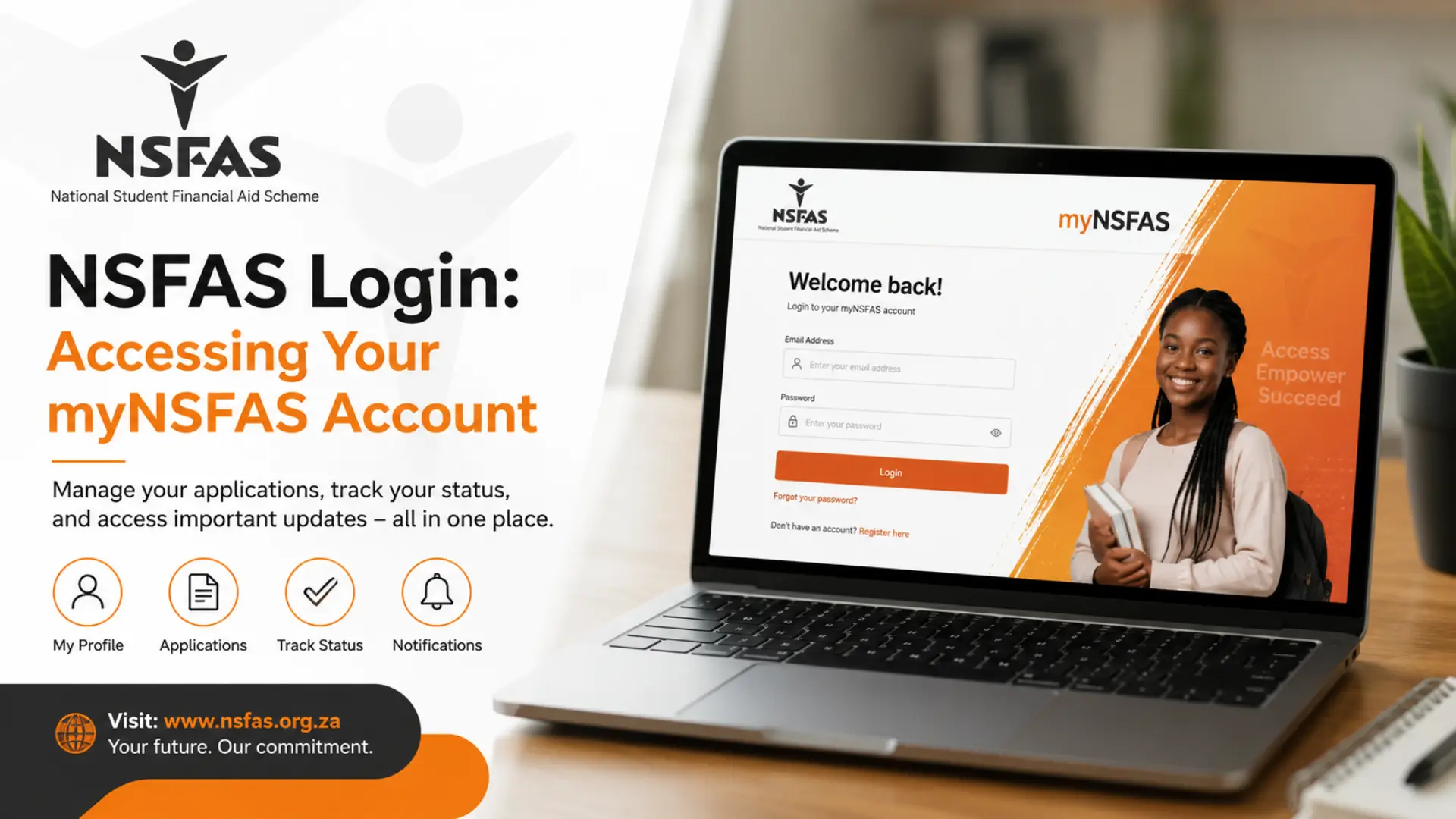
The NSFAS login portal, officially called myNSFAS, is the online system South African students use to apply for funding, check their application, upload documents, and track allowances. Every single interaction you have with NSFAS from your very first application to your final year of study runs through this one login.
Remember, there is only one official NSFAS login system. You do not need a separate “status login” or “tracker login.” Once you complete your NSFAS login, everything you need is inside the same dashboard.
Why the myNSFAS Login Matters So Much
Attention returning students! Your NSFAS login is not just for applying. Once you are funded, you still need to log in regularly to:
- Sign your bursary or loan agreement (no signature usually means no payment)
- Upload replacement documents if NSFAS flags something as missing
- Update your banking and contact details
- Check your payment and disbursement schedule
- See the outcome of an appeal if your application was unsuccessful
- Re-confirm your registration details each academic year
If you skip your NSFAS login for too long, you risk missing an urgent request, which can delay your funding. That is why I always tell the people I help: treat your myNSFAS login like checking your email do it often.
What You Need for a Successful NSFAS Login
Before attempting your NSFAS login, gather these basics so the process goes smoothly:
- Your South African ID number (or passport number for permanent residents)
- The email address you used when you registered
- Your cellphone number, ideally the same one linked to your profile
- Your myNSFAS password
- A stable internet connection
Keep in mind, if any of these details have changed since you registered especially your cellphone number or email your NSFAS login may run into trouble later, particularly when it comes to password resets. Update these details as soon as you can access your account.
Read Also: NSFAS App 2026: Download, Registration, Login & Troubleshooting
How to Complete Your NSFAS Login?
Here is the exact process for a smooth NSFAS login, broken into simple steps.
Step 01: Go to the official website.
Open your browser and type in the official NSFAS web address directly. Avoid clicking links from SMS, email, or social media that you were not expecting, since fake login pages are common.
Step 02: Find the myNSFAS tab.
On the homepage, look for the “myNSFAS” button, usually near the top of the page.
Step 03: Click “Login.”
This takes you to the secure NSFAS login page where you will enter your details.
Step 04: Enter your ID number or email address.
Type this exactly as you used it when you first registered for your NSFAS login.
Step 05: Enter your password.
Use the password linked to your profile. If you are unsure, this is the point where you would choose “forgot password” instead of guessing repeatedly.
Step 06: Click “Sign In.”
Once your details are verified, your myNSFAS dashboard will load.
Step 07: Check your dashboard.
Look for your funding progress tracker, notifications, and any outstanding requirements.
Step 08: Complete any pending actions.
If NSFAS is asking you to upload a document, sign an agreement, or confirm your registration, do this right away.
Step 09: Log out when you are done.
Especially important on shared or public computers, since your NSFAS login gives access to sensitive personal and banking information.
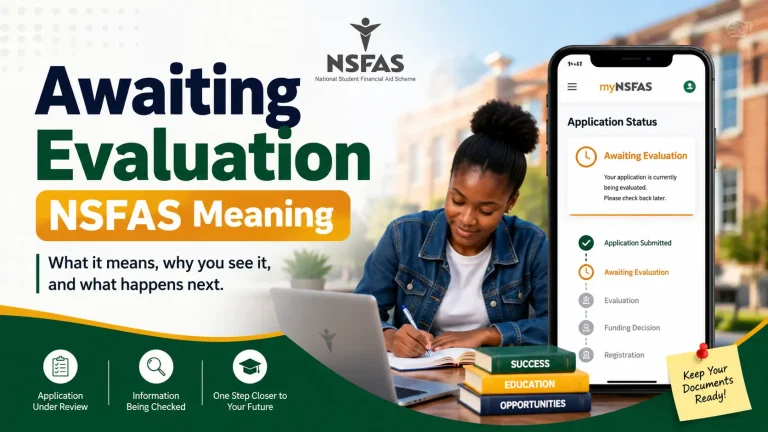
NSFAS Login Status: What Each Status Means and What To Do
Once your NSFAS login is successful, your dashboard will show a status. Here is what each one usually means, and what action to take.
| Status After NSFAS Login | What It Means | What You Should Do |
| Application in Process | NSFAS is still reviewing your application | Log in weekly to check for updates, no action needed yet |
| Documents Outstanding | NSFAS needs more proof (ID, income, academic results) | Log in and upload the correct documents immediately |
| Provisionally Funded | You meet the basic criteria but final checks are ongoing | Keep checking your NSFAS login dashboard for confirmation |
| Funded / Approved | Your funding has been confirmed | Sign your bursary agreement through your NSFAS login |
| Awaiting Disbursement | Approved, but payment has not been released yet | Confirm your banking details are correct and up to date |
| Unsuccessful / Rejected | You did not meet the funding criteria this round | Check the reason given and consider submitting an appeal |
| Appeal Under Review | You submitted an appeal after rejection | Be patient, log in periodically, do not submit duplicate appeals |
Keep in mind that a status can take time to update, especially during busy periods. This does not always mean something is wrong with your NSFAS login or your application.
NSFAS Login Timeline
Funding application timing is crucial with NSFAS. Here is a general guide to when different NSFAS login activities usually happen during the academic year. Always confirm exact dates on the official NSFAS website, since they can shift slightly from year to year.
| Activity | Typical Timing | Login Action Required |
| University applications open | Around October | Complete your NSFAS login and start a new application |
| University applications close | Around January | Final chance to log in and submit or edit your application |
| TVET applications (per semester/trimester) | Opens and closes multiple times a year | Log in each semester to reapply and upload registration |
| Status updates begin | Mid-December onward | Log in to check whether you are funded, pending, or rejected |
| Agreement signing period | After approval | Log in promptly to sign your bursary agreement |
| Appeals window | Shortly after rejection notices | Log in to submit your appeal within the given window |
| Annual re-registration | Start of each new academic year | Log in to confirm registration and re-consent to data sharing |
Remember, TVET students especially need to log in every trimester, since these applications are processed in smaller, faster rounds compared to university applications.
Common NSFAS Login Problems (and How to Fix Them)
Almost everyone I help runs into at least one of these issues. Here is the problem, why it happens, and the solution.
| Problem | Why It Happens | Solution |
| “ID not recognised” | Typing error, or ID was never registered | Double check the number, or create a new profile if you never registered |
| Forgotten password | Common after long gaps between logins | Use the “forgot password” option linked to your registered email or cellphone |
| OTP never arrives | Your registered cellphone number is outdated | Wait up to 30 minutes, try once more, then contact NSFAS support to update your number |
| Dashboard loads but no status shows | Application still in early stages, or a display issue | Check under “My Applications,” clear your browser cache, or try a different device |
| Portal is slow or unresponsive | High traffic during peak periods | Try again later, especially outside December and January |
| Account locked after failed attempts | Too many incorrect password attempts | Wait before trying again, or reset your password properly instead of guessing |
| Login works but no updates | Application is simply still being processed | Continue checking weekly, this is normal during high-volume periods |
If you try each of these solutions and your NSFAS login still does not work, it is time to contact NSFAS support directly rather than continuing to guess.
NSFAS Login Without a Computer: WhatsApp, USSD, and SMS Options
Attention students without regular computer access! You do not always need a full NSFAS login on a laptop to check your basic status. NSFAS also offers:
- WhatsApp: Message the official NSFAS WhatsApp line with your ID number and ask for a status update.
- USSD: Dial the official NSFAS USSD code from any basic phone, enter your ID, and follow the prompts.
- Mobile browser: The myNSFAS portal works on smartphones, so a full NSFAS login is possible from your phone if you have data.
These options are useful backups, but for anything detailed uploading documents, signing agreements, updating banking details you will still need to complete a full NSFAS login through the website.
Keeping Your myNSFAS Account Safe
Your NSFAS login gives access to personal information and banking details, so protecting it matters. Keep these points in mind:
- NSFAS will never ask for your password by SMS, email, or phone call.
- Only use the official NSFAS website for your login. Close any suspicious look-alike sites immediately.
- Change your password if you ever suspect someone else has accessed your account.
- Always log out after each NSFAS login session, especially on shared devices.
- Report anything suspicious directly to NSFAS support rather than clicking unknown links.
Remember, staying alert protects your funding. A stolen NSFAS login can lead to real financial harm, so treat your credentials the same way you would treat your banking app details.
Frequently Asked Questions
Conclusion
Your NSFAS login is the key to your entire funding journey, and while it can feel stressful when something goes wrong, most problems have a simple fix once you know where to look. Take it one step at a time, keep your details up to date, and check in on your account regularly. You have got this, and your funding journey is worth the small effort of staying on top of your NSFAS login.