eZaga NSFAS: Login, Status Check, Registration and App Download

If you are an NSFAS-funded student whose allowances are paid through eZaga, you need to know how to log in, register your account, check your balance, track your payments, and use the eZaga app. This guide covers everything you need to know about eZaga NSFAS, including eZaga NSFAS login, status check, balance check, registration, app download, and payment dates.
Whether you are a first-year student or an existing beneficiary, this NSFAS account management guide will help you access your funds safely and manage your account with ease.
What Is eZaga NSFAS?
eZaga is a South African fintech company that partners with selected universities and TVET colleges to distribute NSFAS allowances. Students receive their monthly allowances through an eZaga NSFAS account, which includes digital banking services and a Mastercard for everyday transactions.
With an eZaga account, students can:
- Receive NSFAS allowances
- Transfer money
- Check account balances
- Buy airtime and data
- Pay bills
- View statements
- Use a Mastercard for purchases
- Withdraw cash from supported ATMs and retailers
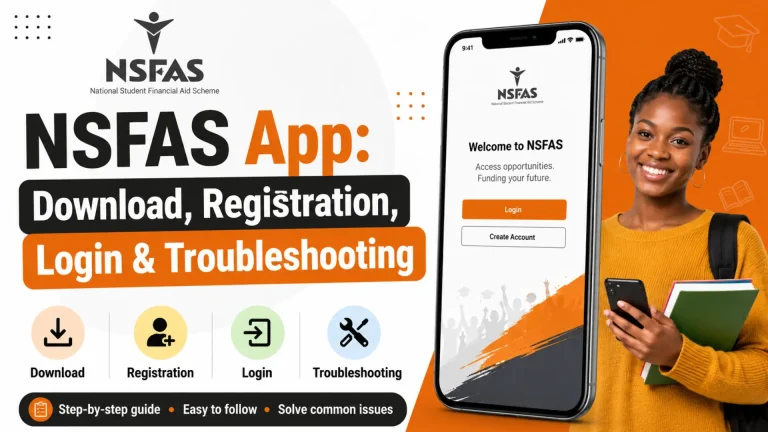
eZaga App
The eZaga app makes banking much easier for NSFAS students.
Using the app, you can:
- Check balances
- Transfer money
- Buy airtime
- Purchase data bundles
- Pay beneficiaries
- Freeze or activate cards
- View statements
- Contact customer support
The app is available for Android devices through Google Play.
Documents Required for eZaga Registration
You may need:
- South African ID document
- Registered cellphone number
- Email address
- Proof of address
- Selfie with your ID document
- NSFAS Consent Form
Some students, especially minors, may need additional supporting documents.
eZaga Registration
Before receiving your NSFAS allowance, you must complete eZaga registration if your institution uses eZaga. The registration process generally includes:
- Entering personal information
- Providing your ID document
- Uploading a selfie for identity verification
- Submitting proof of address (where required)
- Waiting for approval
Once approved, your NSFAS account becomes active.
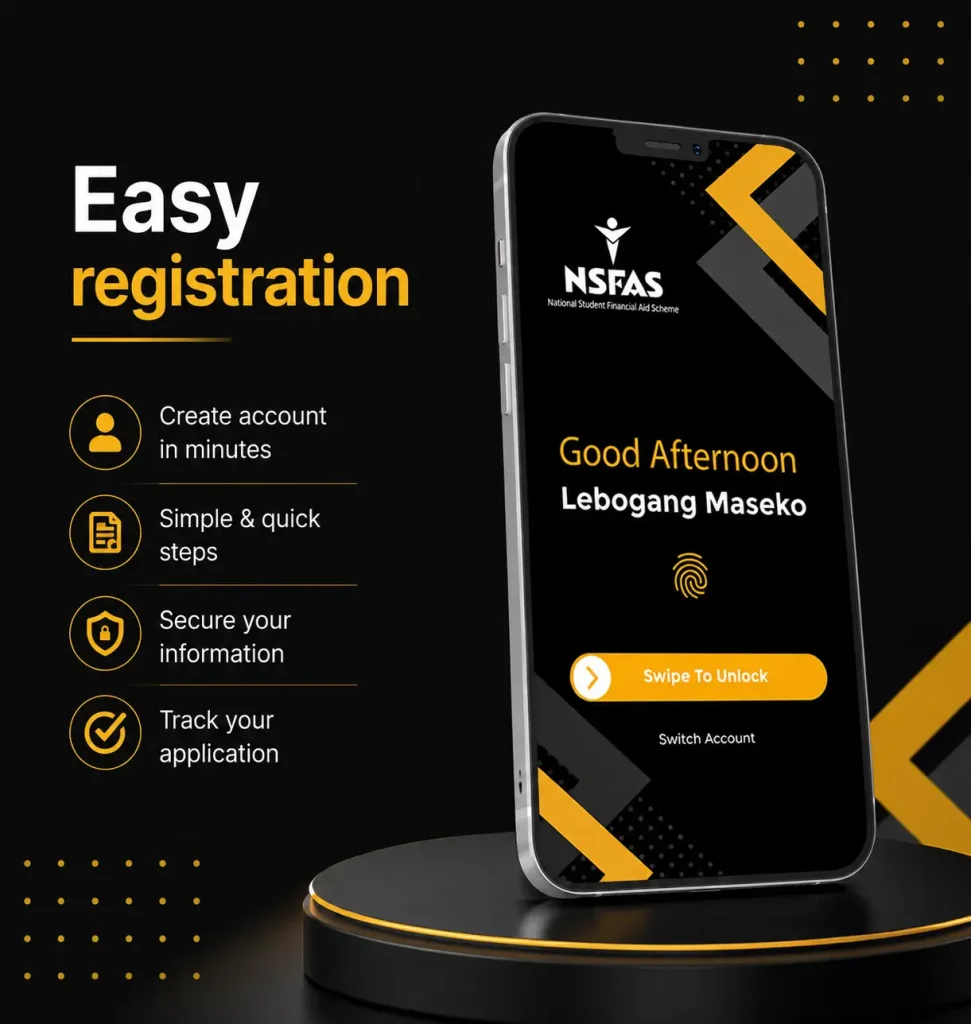
eZaga NSFAS App Download
To install the eZaga NSFAS app:
- Open Google Play Store.
- Search for eZaga NSFAS.
- Install the official application.
- Open the app.
- Log in using your account details.
Always download the official version to protect your personal information.
eZaga NSFAS Login
The eZaga NSFAS login portal allows students to securely access their accounts. After logging in, you can:
- View your available balance
- Check recent transactions
- Download account statements
- Manage your NSFAS card
- Send money
- Buy airtime and electricity
- Update selected account information
For first-time users, eZaga requires account activation before full access is granted.
How to Login to eZaga NSFAS
Follow these simple steps:
- Open the eZaga website or mobile app.
- Enter your username or account number.
- Type your password.
- Complete OTP verification if requested.
- Access your dashboard.
If you forget your password, you can reset it using the login page or contact eZaga support.
Read Also: NSFAS Login
eZaga Login with ID Number
Many students search for eZaga login with ID number. Depending on your account setup, eZaga may allow you to identify your account using:
- South African ID Number
- Registered cellphone number
- Account number
For security reasons, you will still need your password and may be asked to complete OTP verification.
eZaga Login Without App
You do not always need the mobile app.
Students can also access their accounts through:
- Web browser login
- USSD services (where available)
- Customer support assistance
This is useful if your phone is lost or the app is temporarily unavailable.
eZaga Login Balance Check
Checking your balance is quick. After logging in:
- Open your dashboard.
- Your available balance appears on the home screen.
- Review your recent transactions.
- Download statements if needed.
You can also use supported USSD services where available.
eZaga NSFAS Status Check
Students often search for eZaga NSFAS status check.
It is important to understand that:
- NSFAS application status is checked through your NSFAS account or your institution.
- eZaga account status shows whether your banking account has been approved and is ready to receive payments.
If your NSFAS funding has been approved but no money appears in eZaga, contact your institution or NSFAS for confirmation before contacting eZaga.
Read Also: NSFAS Status Check Online
How to Check if Your eZaga Account Is Approved?
You can verify your account by:
- Logging into your account
- Checking SMS notifications
- Looking for approval messages
- Contacting eZaga support
Once approved, you can begin using your account normally.
eZaga NSFAS Payment Dates
Students frequently ask about eZaga NSFAS payment dates. Payment dates are not fixed by eZaga alone. They depend on:
- NSFAS funding releases
- Institution confirmation
- Registration verification
- Academic eligibility
According to eZaga support information, NSFAS generally aims to process monthly allowances around the 25th of each month, although actual payment dates may vary by institution and processing timelines. Students receive SMS notifications once funds have been deposited.
Why Your NSFAS Payment May Be Delayed?
Possible reasons include:
- Outstanding registration
- Institution verification
- Banking verification
- Identity verification
- Academic registration delays
- NSFAS processing
Most payment delays are resolved after institutions complete their required confirmations.
Features of an eZaga NSFAS Account
Students enjoy several useful features:
- Secure online banking
- Mastercard payments
- Cash withdrawals
- Bill payments
- Airtime purchases
- Data bundle purchases
- Instant transfers
- Transaction history
- Digital statements
- Card management
Benefits of Using eZaga
Some major advantages include:
- Fast access to NSFAS allowances
- Secure digital banking
- Easy balance checking
- Mobile banking convenience
- Contactless payments
- Budget management tools
- 24/7 account access
Common eZaga Login Problems
Some students experience:
- Forgotten password
- Incorrect username
- OTP not received
- Registration pending
- Locked account
- Internet connection issues
Most login issues can be resolved through password reset or by contacting eZaga support.
Safety Tips
Keep your account secure by following these tips:
- Never share your password.
- Keep your OTP private.
- Download only the official app.
- Log out after using shared devices.
- Update your contact details whenever they change.
- Report suspicious activity immediately.
Frequently Asked Questions
Conclusion
The eZaga NSFAS platform gives funded students a secure and convenient way to receive and manage their allowances. Whether you need eZaga NSFAS login, status check, balance check, registration, app download, login without the app, or information about eZaga NSFAS payment dates, understanding how the platform works can help you access your funds quickly and avoid common issues. Always use the official eZaga services, keep your login details secure, and stay informed through your institution and NSFAS for the latest payment updates.