NSFAS Banking Details Update

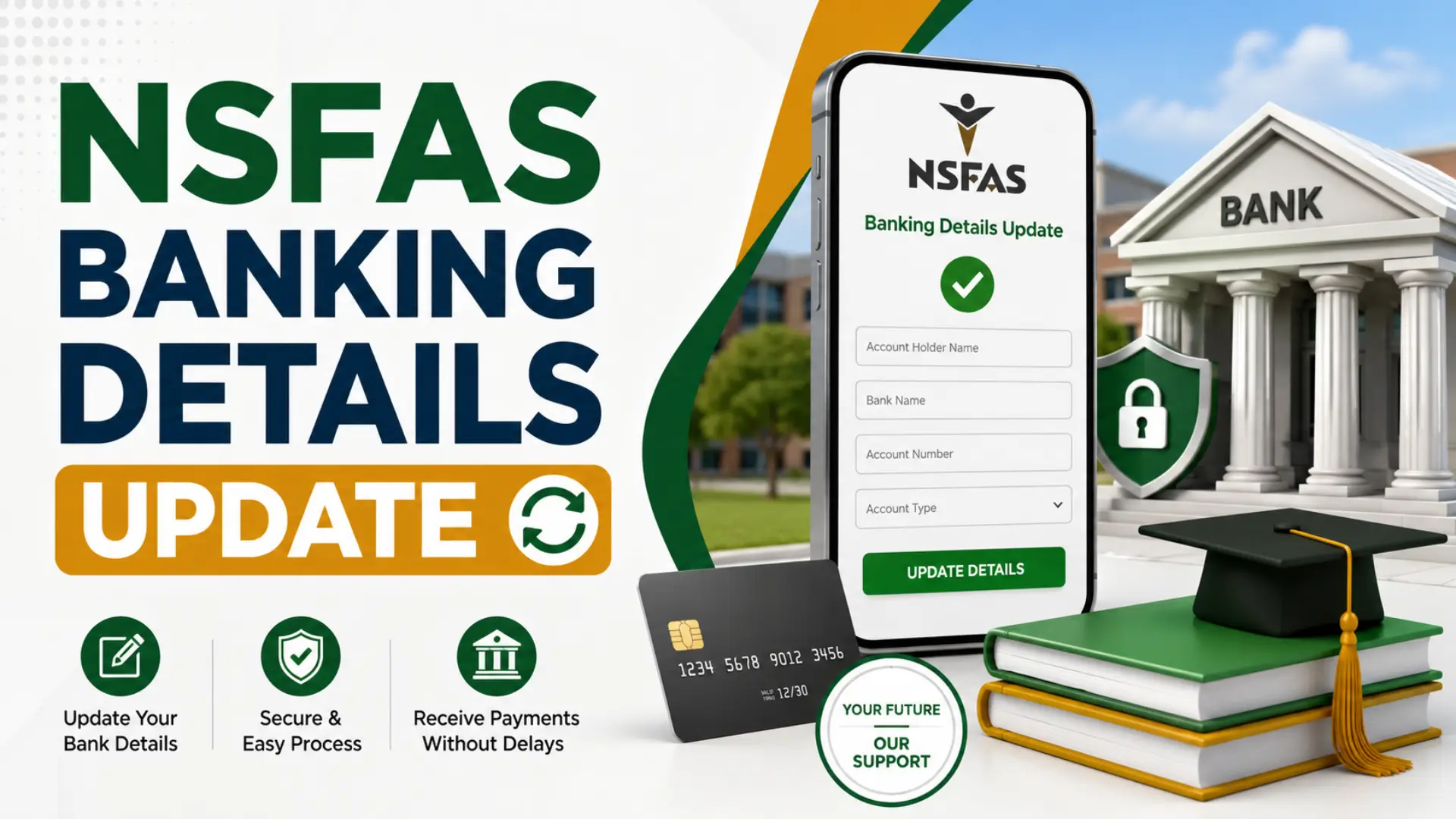
Completing your NSFAS banking details update is one of the most important steps if you want to receive your student allowance without unnecessary delays. NSFAS now pays eligible students directly into their verified personal bank accounts, making it essential to submit accurate banking information. Even a small mistake, such as entering the wrong account number or using someone else’s account, can result in failed verification and delayed payments.
Whether you are updating your bank account for the first time, changing to a new bank, checking your banking details upload status, or studying at UNISA, this guide explains everything in simple language. You will also learn how to log into the myNSFAS portal, what “banking details verified” means, and what to do if your information is rejected. By following these steps carefully, you can help ensure your future NSFAS allowances reach your account on time.
Why Your NSFAS Banking Details Matter?
Your banking details allow NSFAS to transfer your monthly allowances directly into your personal bank account. Without verified banking information, your payments may be delayed or placed on hold until the verification process is complete. That is why students should always ensure their banking information is correct and up to date.
Updating your banking details also becomes necessary if you open a new bank account, close your old account, or notice incorrect information in your profile. Since NSFAS verifies every account with the bank, accuracy is essential. A verified account gives you quicker access to your allowances and reduces the chances of payment problems during the academic year.
How to Complete an NSFAS Banking Details Update?
Updating your banking details is straightforward if you follow the correct process. Before you begin, make sure your bank account is active and registered in your own name. NSFAS does not approve payments into third-party accounts.
Step-by-Step NSFAS Banking Details Update
Follow these steps to complete your NSFAS banking details update successfully:
- Visit the myNSFAS Portal.
- Log in using your ID number as your username and your password.
- Open the Profile Information section.
- Select Bank Account Details.
- Enter your:
- Bank name
- Branch name
- Account type
- Account number
- Upload a recent bank confirmation letter or stamped bank statement showing your name.
- Click Save or Update.
After submission, NSFAS sends your information to your bank for verification as part of the application process. If everything matches your identity records, future allowance payments will be sent directly to your account. You can also change your bank details through eZaga NSFAS.
NSFAS Bank Account Login Guide
Before updating your banking details, you must access your myNSFAS account. Many students search for NSFAS bank account login, but the process simply requires logging into the myNSFAS portal using your existing account credentials.
Open the myNSFAS portal and enter your ID number as your username together with your password. Once logged in, your dashboard provides access to your application status, funding information, banking details, and allowance updates. If you have forgotten your password, use the password reset option before attempting to update your banking information.
Keeping your login details secure is equally important. Avoid sharing your password with friends or anyone claiming they can speed up your NSFAS payments. Only use the official myNSFAS portal to manage your account information.
Read Also: NSFAS Login: Accessing Your myNSFAS Account
Documents Needed Before Updating Your Banking Details
Preparing your documents beforehand makes the process much smoother. NSFAS requires proof that the account belongs to you before approving direct allowance payments.
Generally, you should have the following:
- A valid South African ID.
- An active personal bank account.
- A recent bank confirmation letter or stamped bank statement.
- Your myNSFAS login credentials.
Double-check every detail before submitting your information. Even one incorrect digit in your account number can cause verification to fail, forcing you to repeat the entire process and wait longer for your allowances.
NSFAS Banking Details Upload for UNISA Students
Students often search for NSFAS banking details upload UNISA because the process differs slightly from other institutions. If you are studying at UNISA, you should not submit your banking details through the general NSFAS portal unless specifically instructed.
Instead, wait for an email in your official myLife student email account. UNISA sends a secure link that allows funded students to capture their banking details. Once you receive the email, follow the link carefully and submit your personal bank account information.
After submission, your details are verified before allowances are processed. If you do not receive the email or experience technical problems, contact UNISA’s NSFAS office through [email protected] or visit your nearest regional office for assistance.
NSFAS Banking Details Upload Status Check
After submitting your information, many students want to perform an NSFAS banking details upload status check. Fortunately, checking your status only takes a few minutes.
Log in to your myNSFAS account and open Profile Information. Under Bank Account Details, you can view whether your banking details are saved, under verification, approved, or require correction.
Verification usually takes between 24 and 48 hours, although processing may take longer during busy registration periods. If your status remains unchanged for several days, monitor your account regularly and ensure your uploaded documents are clear and accurate.
Read Also: NSFAS Status Check 2027
What Does NSFAS Banking Details Verified Mean?
When your status shows NSFAS banking details verified, it means your bank has confirmed that the account belongs to you and matches your personal information submitted to NSFAS.
This verification is an important security measure that protects students from fraud and prevents allowances from being deposited into incorrect accounts. Once your banking details have been successfully verified, NSFAS can begin processing future allowance payments directly into your bank account according to the payment schedule.
If your verification fails, do not panic. The most common causes include incorrect account numbers, inactive accounts, or accounts registered in another person’s name. Correct the information through your myNSFAS profile and submit it again for verification.
Common Reasons Banking Verification Fails
Bank verification problems are more common than many students realize. Fortunately, most issues can be fixed quickly once you identify the cause.
Some of the most common reasons include:
- The bank account is not registered in your name.
- Incorrect account number entered.
- Wrong branch code or bank selected.
- Closed or inactive bank account.
- Poor-quality bank confirmation letter.
- Name mismatch between your ID and bank records.
Before resubmitting your details, review every field carefully. Taking a few extra minutes to check your information can save several weeks of payment delays.
How to Contact NSFAS for Banking Assistance
If you continue experiencing problems after updating your banking details, contact NSFAS directly for support. Their support team can assist with banking verification, login issues, allowance payments, and account updates.
You can reach NSFAS through:
- Email: [email protected]
- Official Email Support: If you need to email NSFAS regarding banking or payment issues, send your query to [email protected].
- Use your ID number and application reference when contacting support to help them locate your records more quickly.
When sending an email, explain your issue clearly and attach supporting documents if requested. This helps reduce unnecessary back-and-forth communication.
Common Mistakes to Avoid
Many payment delays happen because students make avoidable mistakes during the banking details submission process. Paying attention to small details can save significant time later.
Avoid these common errors:
- Using a parent’s or guardian’s bank account.
- Uploading outdated bank confirmation documents.
- Entering incorrect account numbers.
- Ignoring verification notifications.
- Forgetting to save updated banking information.
- Waiting until payment dates to submit banking details.
Updating your information early gives NSFAS enough time to complete verification before your next allowance payment.
Frequently Asked Questions (FAQs)
Conclusion
Completing your NSFAS banking details update correctly helps ensure your student allowances are paid without unnecessary delays. Always use your own active bank account, upload accurate documents, and monitor your verification status regularly. If problems occur, update your information promptly and contact NSFAS or your institution for assistance before the next payment cycle.