How to Delete NSFAS Account?

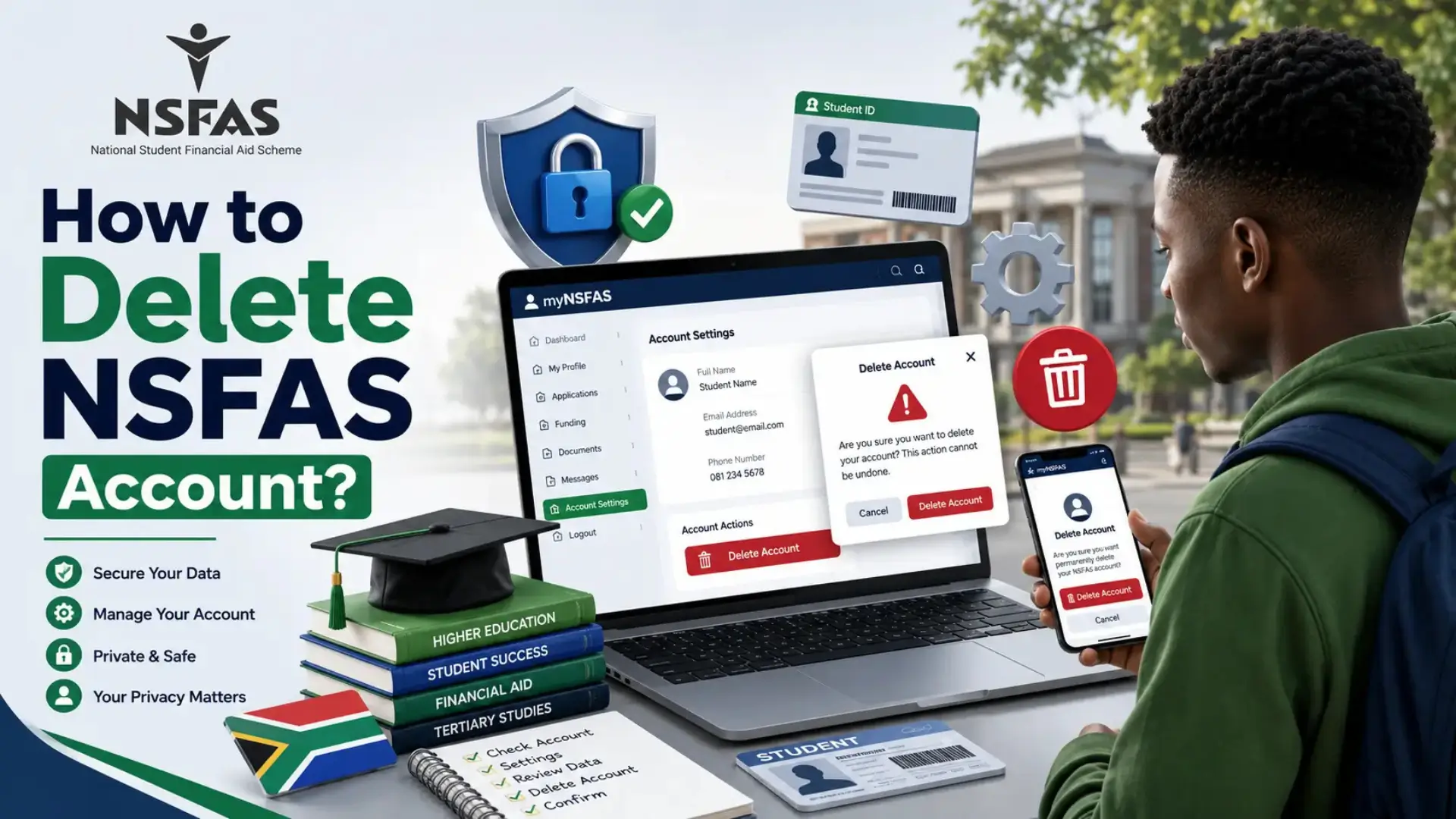
If you are searching for how to delete NSFAS account, you are probably no longer planning to use the National Student Financial Aid Scheme (NSFAS) or you want to remove your application from the system. Many students assume they can permanently delete their myNSFAS account with a single click, but that is not how the system works.
NSFAS keeps student records because they are linked to government financial aid, academic history, and auditing requirements. This means you cannot completely erase your account from the database. However, you can still withdraw a pending application or request that your profile be deactivated if you no longer need it. In this guide, you’ll learn the available options, the correct steps to follow, and what to do if you no longer have access to your phone number or password.
Why You Cannot Completely Delete an NSFAS Account?
Many students expect government portals to work like social media platforms where deleting an account permanently removes all personal information. NSFAS operates differently because it manages public funding, student records, and financial transactions. Every application forms part of an official record that must be retained for legal and administrative purposes.
For this reason, NSFAS does not allow complete deletion of user profiles. Even if you no longer need funding, your account remains linked to previous applications and educational records. Instead of deleting your account, NSFAS provides options to withdraw a pending application or request profile deactivation through its support team.
How to Delete NSFAS Account by Canceling Your Application?
If your application is still being processed and you no longer want NSFAS funding, canceling the application is usually the best solution. This prevents your application from moving forward while keeping your historical records intact.
The online process is simple if your application is still eligible for cancellation. Before starting, make sure you have access to your myNSFAS account and a certified copy of your South African ID.
Steps to Cancel Your Application Online
- Visit the myNSFAS Portal.
- Log in using your ID number or username and password.
- Open View Applications or Application Tracker.
- Select Track Application if prompted.
- Click Cancel Application.
- Choose the reason for cancellation.
- Upload a certified copy of your South African ID.
- Confirm your request by selecting Yes, Cancel.
Once your request is submitted, NSFAS will review the cancellation. Depending on the stage of your application, it may take some time before the status changes on your dashboard.
Read Also: Court Order for Guardianship NSFAS
How to Delete NSFAS Account Online Using ID Number?
Many students search for how to delete NSFAS account online using ID number because they believe their ID number alone is enough to remove the account. In reality, your ID number is only used to verify your identity when logging into the myNSFAS portal.
After logging in with your ID number and password, you can navigate to View Applications, select Track Application, and choose Cancel Application. You will then need to provide a valid reason for the cancellation and upload a certified copy of your ID before submitting your request.
Using your ID number does not permanently delete your account, but it does allow you to access the tools needed to withdraw an active application.
How to Delete NSFAS Account Without Phone Number?
Losing access to your registered phone number can make managing your NSFAS account more difficult, especially if security verification is required. Fortunately, you can still request assistance through other methods.
The first step is to log into your myNSFAS account if you still know your username and password. If you have an active application, cancel it using the Application Tracker before requesting profile deactivation.
If you cannot receive verification codes because your phone number has changed, send an email to [email protected] with:
- Your full name
- South African ID number
- Clear explanation of your request
- Certified copy of your South African ID
The support team can manually verify your identity and guide you through the next steps. This is the recommended solution for anyone searching for how to delete NSFAS account without phone number.
How to Delete NSFAS Account Without Password?
If you’ve forgotten your password, you cannot directly access your account to cancel an application. However, this does not mean your only option is to create a new account.
First, try using the Forgot Password feature on the myNSFAS login page. After resetting your password, sign in and follow the application cancellation process if your application is still active.
If password recovery is unsuccessful, contact the NSFAS support team. They may ask for identity verification before helping you regain access. Once your account is accessible again, you can cancel your application or request profile deactivation. This is the safest approach for students looking for how to delete NSFAS account without password.
How to Delete NSFAS Account via SMS?
Many students wonder whether there is a quick SMS service that allows account deletion. Unfortunately, you cannot delete or cancel an NSFAS application via SMS.
The official process requires you to log into your myNSFAS account and use the online cancellation option. If online access is not possible, you should contact the NSFAS Virtual Contact Centre through the toll-free number or WhatsApp support for assistance.
SMS services are not designed for account management because NSFAS requires identity verification before processing sensitive requests.
How to Contact NSFAS to Deactivate Your Profile?
Sometimes the cancellation option is unavailable, especially if your application has already been finalized. In that case, you should contact NSFAS directly and request profile deactivation.
Although this does not permanently erase your account, it allows NSFAS to review your request and determine whether your profile can be deactivated based on your circumstances. When contacting support, provide enough information to verify your identity.
You should include:
- Your full name
- South African ID number
- Student number (if available)
- Reason for requesting profile deactivation
- Certified copy of your ID
You can contact NSFAS through:
- Email: [email protected]
- Toll-Free Call Centre: 08000 67327
- WhatsApp: +27 63 093 5671
Common Mistakes to Avoid
Students often experience unnecessary delays because they make avoidable mistakes during the cancellation process. Understanding these issues can help your request move forward more smoothly.
Some of the most common mistakes include:
- Assuming the account can be permanently deleted.
- Forgetting to upload a certified copy of the South African ID.
- Providing incorrect personal details.
- Waiting until the application has already been approved before requesting cancellation.
- Sending incomplete emails without identification documents.
- Trying to cancel an application through SMS instead of the official portal.
Checking your information carefully before submitting your request can save valuable time and reduce the chances of delays.
Frequently Asked Questions (FAQs)
Conclusion
If you’re searching for how to delete NSFAS account, the key thing to remember is that permanent deletion is not available. Instead, you can cancel a pending application or request profile deactivation through NSFAS support. Following the correct process and providing the required documents will help ensure your request is handled as quickly as possible.