How to Transfer Money From NSFAS Wallet to Bank Account?

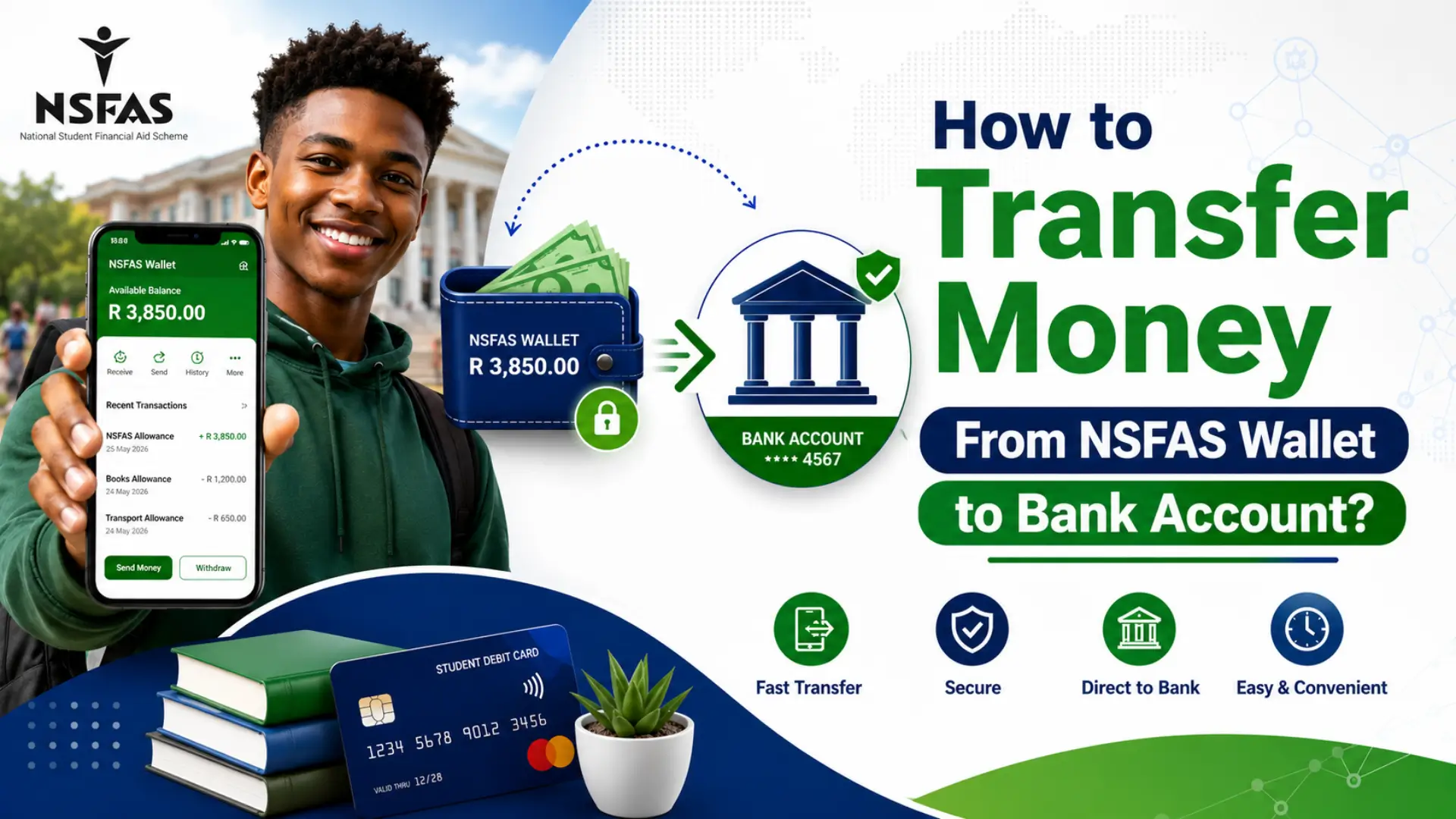
Many students ask how to transfer money from NSFAS wallet to bank account after receiving their allowances. The good news is that there are several safe ways to access your NSFAS funds. However, it is important to understand that NSFAS does not currently offer a direct wallet-to-bank transfer through a mobile phone.
Instead, you can withdraw your allowance as cash and deposit it into your bank account, register your personal bank account for future NSFAS payments, or use an NSFAS Mastercard (where available).
Can You Transfer Money Directly From NSFAS Wallet to a Bank Account?
No, The NSFAS Wallet is designed primarily for student allowance payments and purchases. It does not include a direct feature that lets you transfer money straight from your wallet to your personal bank account.
Instead, students can use one of these approved methods:
- Register a personal bank account for future NSFAS payments.
- Withdraw money using an NSFAS cash voucher.
- Use an NSFAS Mastercard (if your institution provides one).
Let’s look at each option in detail.
Option 1: Withdraw a Cash Voucher, Then Deposit It at Your Bank
This is the standard way to move NSFAS wallet funds into your own hands and from there, into your bank account.
Via USSD
- Dial 134176# from your registered cellphone number.
- Enter your NSFAS wallet password.
- Select “Cash Voucher.”
- Enter the amount you want to withdraw.
- You’ll receive an SMS with a one-time voucher code.
- Take your ID and the voucher code to a participating store Shoprite, Checkers, Usave, Boxer, Pick n Pay, or Spar — to collect the cash.
- Deposit the cash into your personal bank account at an ATM, in-branch, or via your bank’s cash deposit facilities.
Via the web portal
- Go to celbux.appspot.com (or the NSFAS Wallet portal).
- Log in with your registered phone number and password.
- Select “Cash Voucher”, enter the amount, and generate your code.
- Redeem it at any participating store as above.
Good to know
- Participating stores may apply daily cash withdrawal limits (commonly in the R200–R1000 range per day), so large withdrawals may need to be split over several days.
- Keep your NSFAS password private anyone with your login and voucher code can redeem your cash.
- Cash vouchers generally don’t expire quickly, but redeem them as soon as possible to avoid losing track of codes.
Option 2: Register Your Bank Details on myNSFAS for Future Allowances
If you’d rather avoid the cash voucher process altogether going forward, you can add your bank account to your NSFAS profile so future allowance payments are paid directly to your bank instead of the wallet (subject to your institution’s payment method).
- Go to the myNSFAS Portal.
- Log in using your username and password.
- Under “Profile Information,” click “Bank Account Details.”
- Enter your personal bank account details accurately (bank name, account number, branch code).
- Click Save.
- Wait for NSFAS to verify your bank account — this can take a few working days.
Once verified, your future disbursements may be routed to your bank account rather than the wallet, depending on how your institution processes NSFAS payments. This does not retroactively move money already sitting in your wallet for that, use Option 1.
Option 3: Use an NSFAS Mastercard
Some universities work with banking partners that issue an NSFAS Mastercard. If your institution provides this card, you have more flexibility.
- Withdraw cash from ATMs
- Transfer money using your banking app (if supported)
- Make purchases directly
- Deposit money into another personal account using normal banking services
The available features depend on the bank partnered with your institution.
Which Option Is Best?
| Method | Direct Bank Transfer | Best For |
|---|---|---|
| Register Bank Account | Future Payments | Students who want future allowances paid directly |
| Cash Voucher | No (Cash First) | Students needing immediate access |
| NSFAS Mastercard | Depending on Bank | Students issued an NSFAS bank card |
Benefits of Registering Your Bank Account
Adding your own bank account offers several advantages:
- Faster allowance payments
- Greater security
- Easier online banking
- No need for cash vouchers
- Convenient ATM withdrawals
- Better transaction history
Important Things to Remember
Before submitting your bank details, keep these important points in mind:
- The bank account must be in your own name.
- Double-check your account number before submitting.
- Keep your myNSFAS login details secure.
- Never share your NSFAS Wallet password or OTP with anyone.
- Wait for NSFAS to complete bank verification before expecting payments.
Common Problems and Solutions
Bank Account Verification Is Taking Too Long
Verification may take several business days. If it takes longer than expected, check whether your banking details were entered correctly.
Cash Voucher SMS Not Received
Ensure:
- Your phone number is the one registered with NSFAS.
- Your cellphone has network coverage.
- Your NSFAS Wallet is active.
Wrong Banking Details Submitted
If you entered incorrect information, log into the myNSFAS Portal and update your banking details before the next payment cycle. If you don’t know how to change your bank details, read this NSFAS Banking Details Update guide to update your banking information quickly and correctly.
Safety Tips
To protect your NSFAS funds:
- Never share your wallet PIN.
- Avoid giving anyone your OTP.
- Only use the official myNSFAS Portal.
- Verify banking details before saving them.
- Report suspicious activity immediately.
Frequently Asked Questions
Can I transfer NSFAS Wallet money directly to Capitec?
No. NSFAS Wallet does not currently support direct transfers to Capitec or any other personal bank account.
Can I transfer NSFAS Wallet money using my phone?
No. There is no mobile feature that allows direct wallet-to-bank transfers.
Can I deposit my NSFAS cash into my bank account?
Yes. After withdrawing cash using an NSFAS cash voucher, you can deposit it into your personal bank account.
How long does bank verification take?
Verification times vary, but it generally takes several business days after submitting your banking details.
Can NSFAS pay directly into my bank account?
Yes. Once your banking details have been verified, future NSFAS allowance payments can be made directly to your registered bank account.
Conclusion
If you’re wondering how to transfer money from NSFAS Wallet to a bank account, it’s important to know that direct wallet-to-bank transfers are not currently supported. Instead, you can register your personal bank account for future NSFAS payments, withdraw your allowance as cash and deposit it into your bank account, or use an NSFAS Mastercard if your institution provides one. Choosing the right method ensures you can access your NSFAS funds safely, securely, and with minimal hassle.